


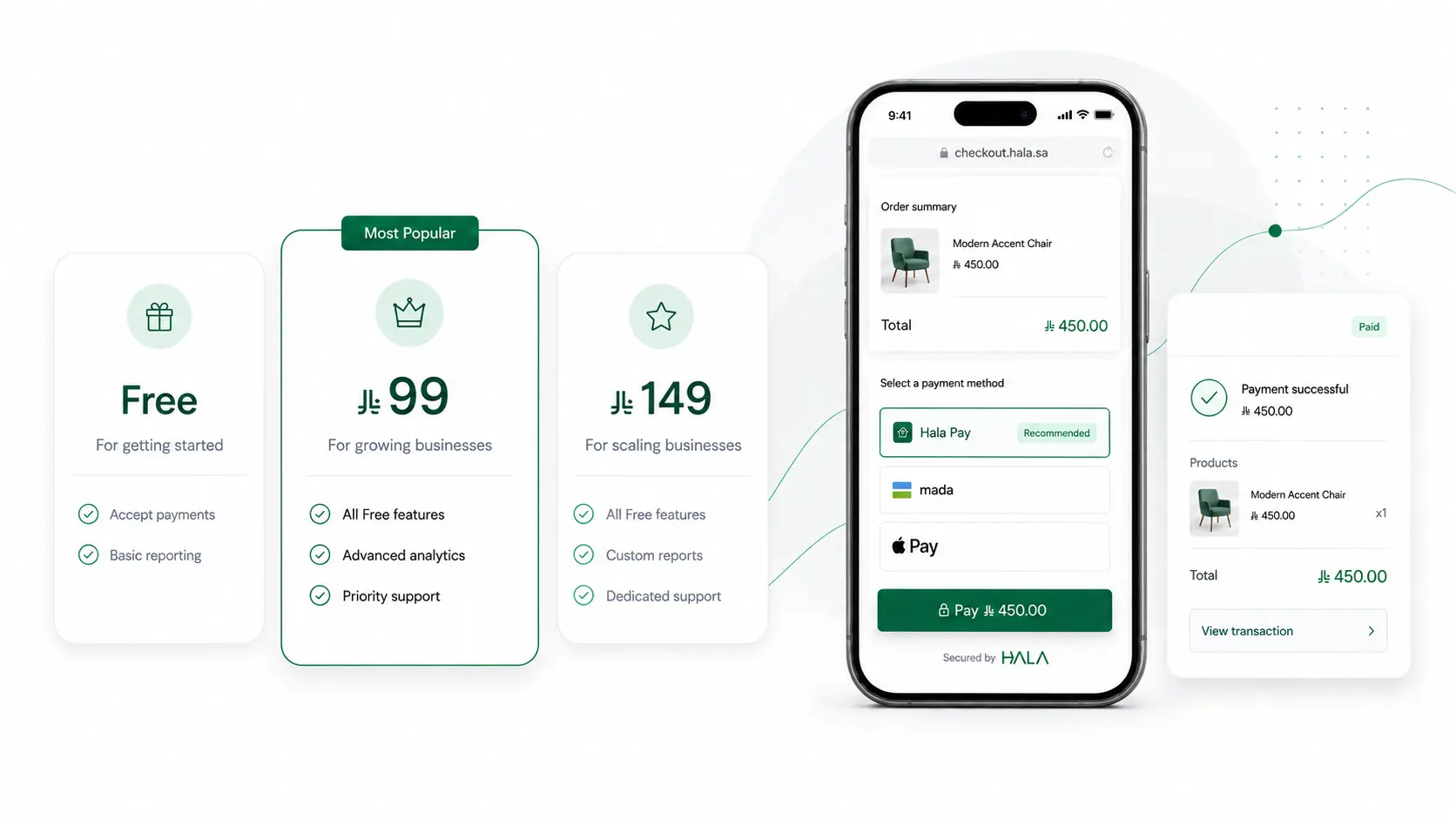


Online Invoicing
Create invoices. Share & get paid instantly.
Create branded online invoices and accept Apple Pay, Mada, Visa & Mastercard or bank transfer, with instant settlement to your account. No complexity, no waiting.
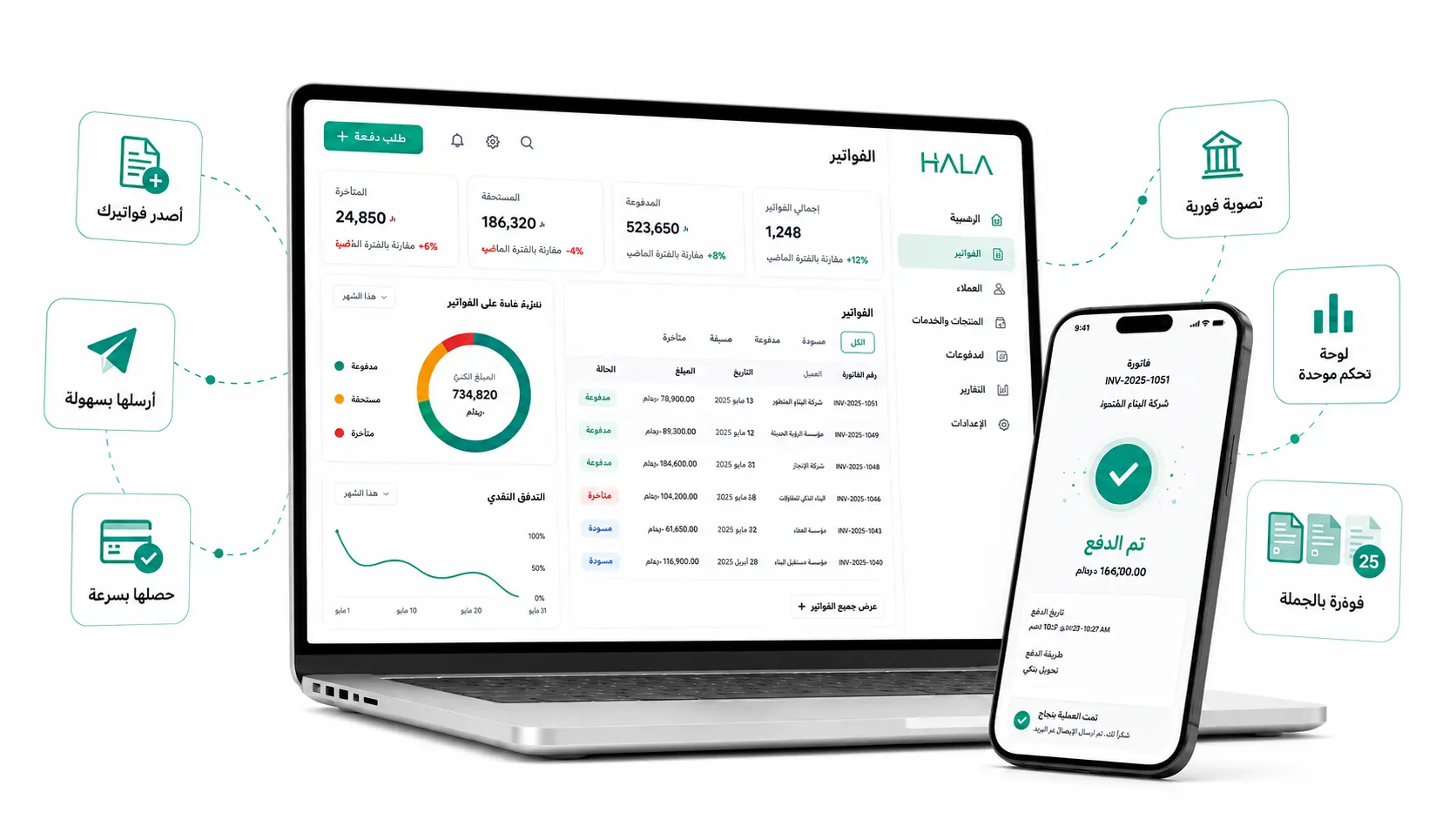
Fast billing, instant settlement.
Easy Invoicing
Create, send, and get paid in one click, anywhere.
Instant Settlement
Receive your payments instantly without delay.
Automated VAT
Automatically calculates VAT during setup.
ZATCA Compliant
Compliant with Saudi E-invoicing regulations (ZATCA).

Issue invoices with confidence

One-click payments
One-click payments
Let customers pay via Apple Pay or card, and automatically match each payment to the right invoice.

Branded invoicing
Branded invoicing
Create customized, branded invoices in minutes that include your logo, colors, and company information.

Manage products & customers
Manage products & customers
Save products and billing details for individuals and groups and reuse them for future invoices.

Subscriptions & installments
Subscriptions & installments
Enable installments or set up recurring subscriptions through scheduled invoices, and bill individuals or predefined groups.

One-time bills and bulk invoicing
One-time bills and bulk invoicing
Issue one-time payments or bulk invoices that can be paid by one or several customers at once, or split the bill among a group.

Real-time tracking
Real-time tracking
Stay on top of every payment with status updates and detailed reporting in your Hala app.
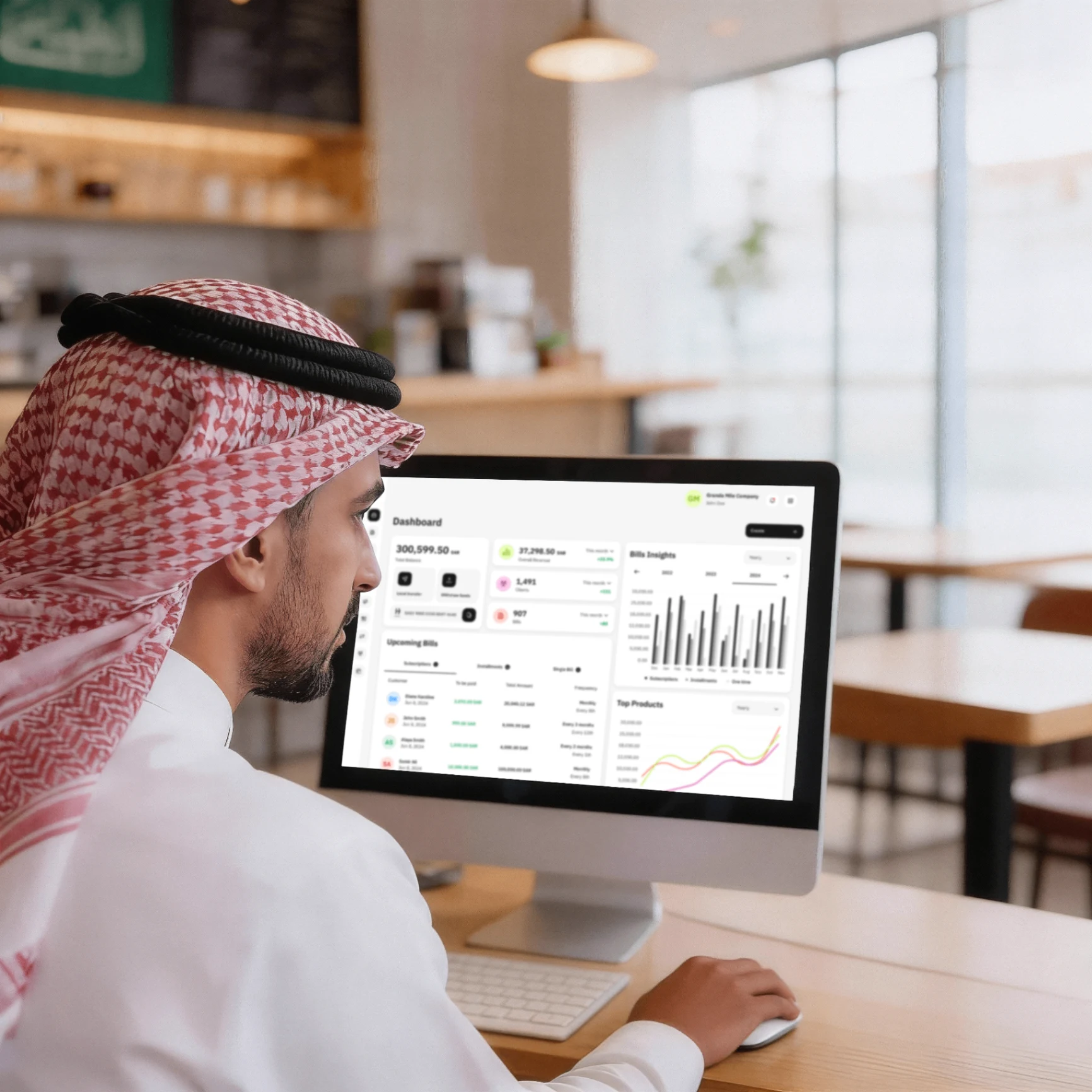
Create, send, get paid
Step 1
Create an invoice in seconds
Add products, set the amount, and pick the payment method in seconds.
Step 2
Share invoice
Share your invoices with customers effortlessly through the channels that work best for you.
Step 3
Your customer Pays
They pay with Apple Pay, Mada, Visa, or Mastercard. Fast and secure.
Step 4
Get your payment right away
Money lands in your account instantly. No waiting for days.
Ready to get started?
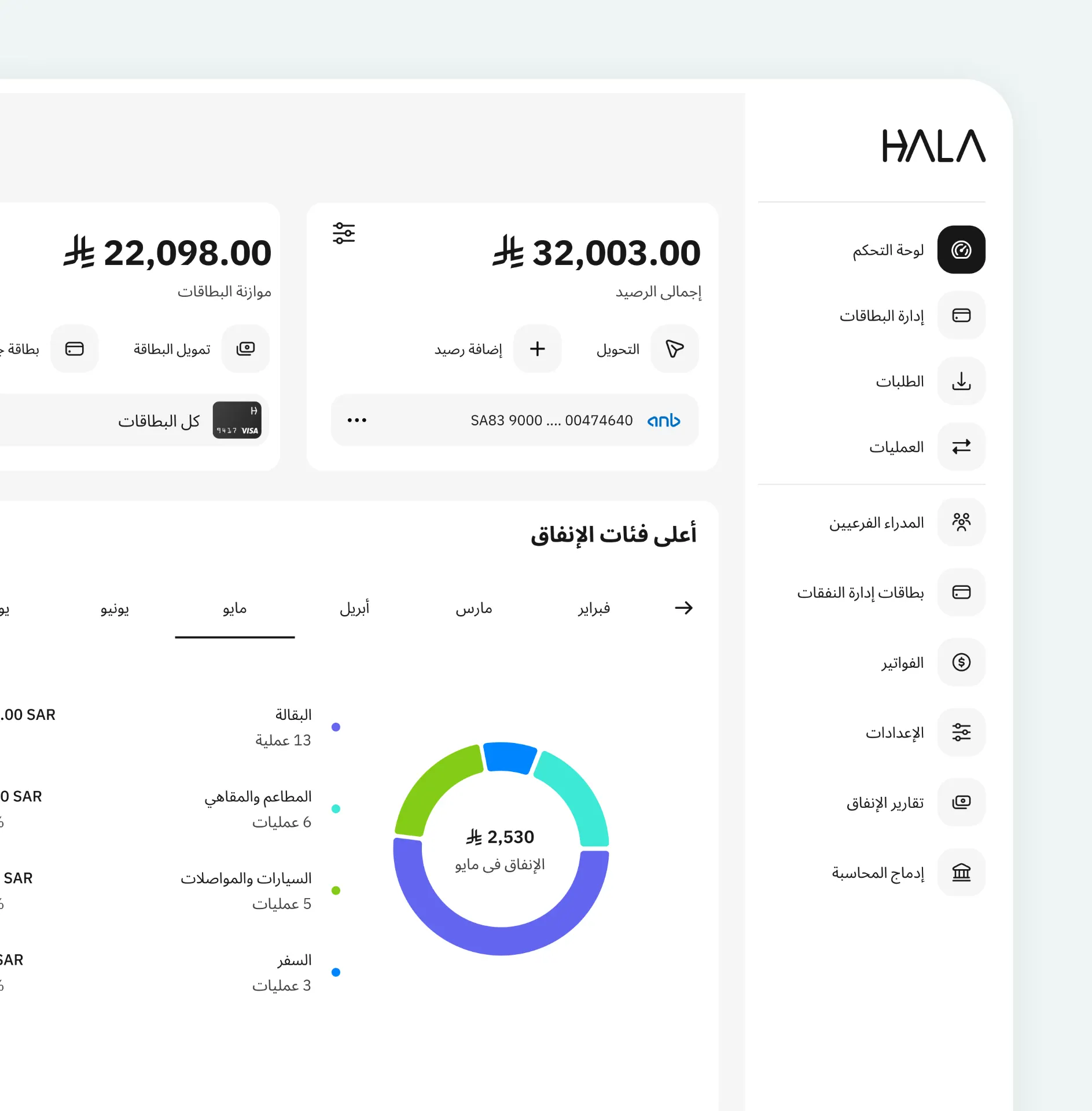
All your cashflow in one place
Manage issuing invoices, collecting payments and expense management from one dashboard.
Powerful billing solution for every business
Monthly pricing plans
Fast setup. Instant settlement
Start issuing invoices with Hala and get everything you need to bill your customers and settle payments instantly.
Sign up in minutes.
Upgrade anytime.
Business and freelance
0 monthly fees
Transaction fees
Mada
1%
Visa / Mastercard
2.5% + 1
GCC network
2.5% + 1
** +15% VAT applies on all transaction fees.
Book a demo
Fill out the form and our team will reach out to schedule a personalized demo.
Still have questions?
We are always here to support you 24 hours a day 7 days a week


Can't find what you're looking for?
Hala is a leading fintech platform enabling SMEs to manage their inbound and outbound payments in a simple and secure way.
 Call us
  Customer care

